[SID23] Catfish Alert - Sam's Room I
by  Shortbread · 3 years ago


Another SID game is here! Can you spot all the differences to claim your badge and prize?
Room Name: [SID23] Catish Alert - Sam's Room I
Room Owner: noodlesoup
Or you can click the room icon at the top of this guide to be taken directly there.
You must now, enter both rooms on the navigator named [SID23] Catish Alert - Sam's Room I & II and spot the 7 differences within the rooms. You must screenshot one of the rooms and then circle the differences, save your image and then upload it to a site such as Imgur. The 7 differences are as shown below.
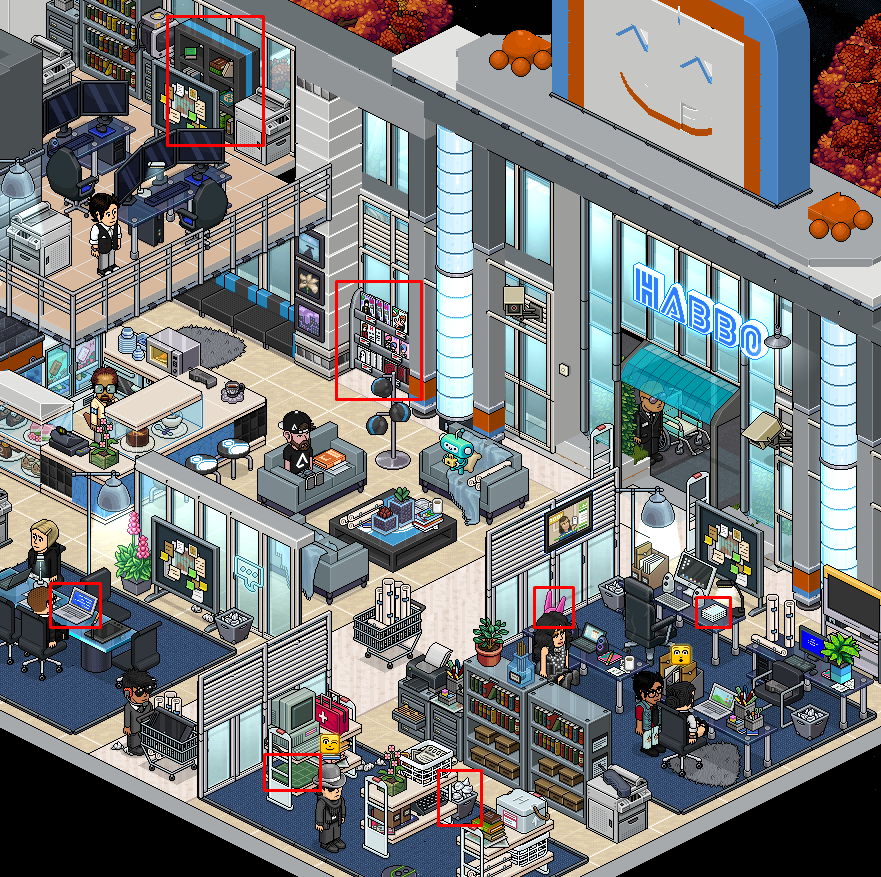
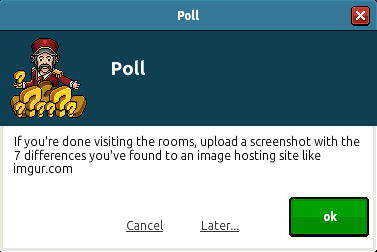
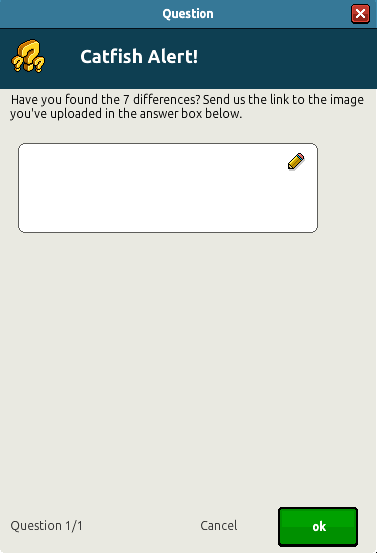
You must now enter the Welcome Lounge and wait for the poll to show up. With your uploaded image to Imgur, enter your link in the poll and click ok to submit your answer. If you are correct, you will receive your badge and SID plushie at a later date.
Note: Enter these answers at your own risk, double check the differences yourself before submitting.

Let us know in the comments section below what your thoughts on this badge quest! Did you enjoy the event?
Room Information
Room Name: [SID23] Catish Alert - Sam's Room I
Room Owner: noodlesoup
Or you can click the room icon at the top of this guide to be taken directly there.
Step 1
You must now, enter both rooms on the navigator named [SID23] Catish Alert - Sam's Room I & II and spot the 7 differences within the rooms. You must screenshot one of the rooms and then circle the differences, save your image and then upload it to a site such as Imgur. The 7 differences are as shown below.
Step 2
You must now enter the Welcome Lounge and wait for the poll to show up. With your uploaded image to Imgur, enter your link in the poll and click ok to submit your answer. If you are correct, you will receive your badge and SID plushie at a later date.
Note: Enter these answers at your own risk, double check the differences yourself before submitting.
Let us know in the comments section below what your thoughts on this badge quest! Did you enjoy the event?
Thank you for the guide ♥
Sadly like us, if you submitted your answer early, you may have discovered you were incorrect.
Initially, the rooms opened with several items which were changeable by the user, these being the bins and the lockers.
In addition, the emojis above the head of the bot 'Sam' were also broken, causing their state to not change every few seconds like with the 'Hacker' bot.
The staff have now replaced the bins, removed the lockers and the emoji seems to be working.
Sadly, at time of writing, there is no answer as to what will happen to those of us who submitted the poll during the period of time where these room errors existed.
Apologies if you used our guide and submitted an incorrect solution. We try to provide correct answers quickly with our guides, however this time we were caught out by what I would consider poor room design. Especially when we were studying the rooms for differences via screenshots so it was not possible at the time to see that items could be changed.