HabboQuests - Viewing Guide: HiPad Early Adopter

HiPad Early Adopter

by Kate ยท 7 years ago

Badge
Tags
Room
Author
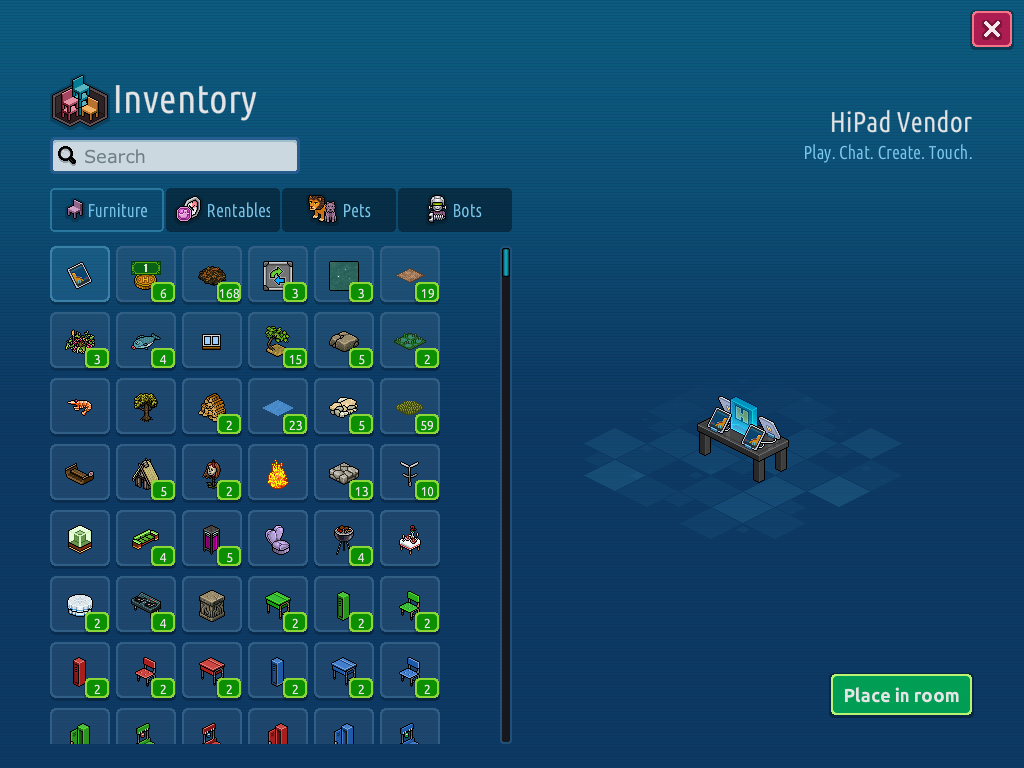
Be one of the first to install and login to Habbo using your iPad to get a free HiPad Vendor & Badge!
Download the App

Download Habbo on the App Store.
๏ปฟ
Step 1

Once you have installed it, open it and login to your Habbo account, select what avatar you want the furni and badge given to!
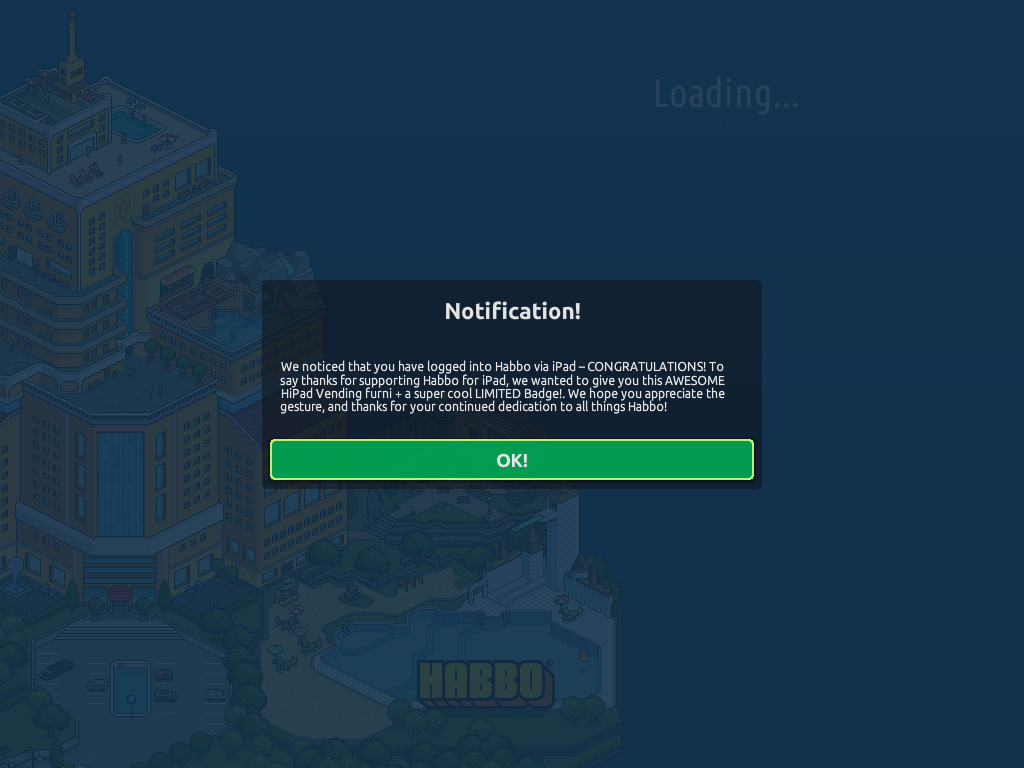
Step 2

Click OK and you will be given the Furni & Badge!

Posted by Mhtcha 3 years ago
My Habbo account is linked to my Google account, meaning I can't actually get this badge! There's no option on the app to login via Google, and when I try to get a code sent to my email - it never arrives! ๐Ÿ™
Posted by Kttn 4 years ago
Thank you for this guide! Just downloaded the app for the first time. ๐Ÿ™‚
Posted by Rotating 5 years ago
thanks for the guide!
Posted by Dani 7 years ago
Thank you for the guide!
Posted by Theo 7 years ago
Got this, thanks for the guide x
Posted by Lauren 7 years ago
Thanks for the guide Kate!! x
Posted by Kate 7 years ago
got this a while ago
Posted by Eevee 7 years ago
got this a while ago thanks!
Posted by cleath 7 years ago
Already got it!! Thanks for the guide.
Posted by Dani 7 years ago
Thank you for the guide!
Posted by Rel 7 years ago
got this! thanks!
Other Guides by Kate