
Ever wondered how to relink teleporters? Check out this small guide below!
Note: Make sure to load up the Modern or Web client, not the Classic client.
Head to your room and place down your teleporters. For this example, I have a Hot Spring and Fiery Pits, both which don't have a pair.

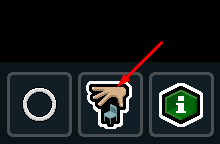
Click the icon below to enter Build Mode.
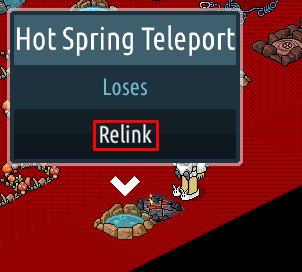
Click the teleporter you want to relink and click Relink.
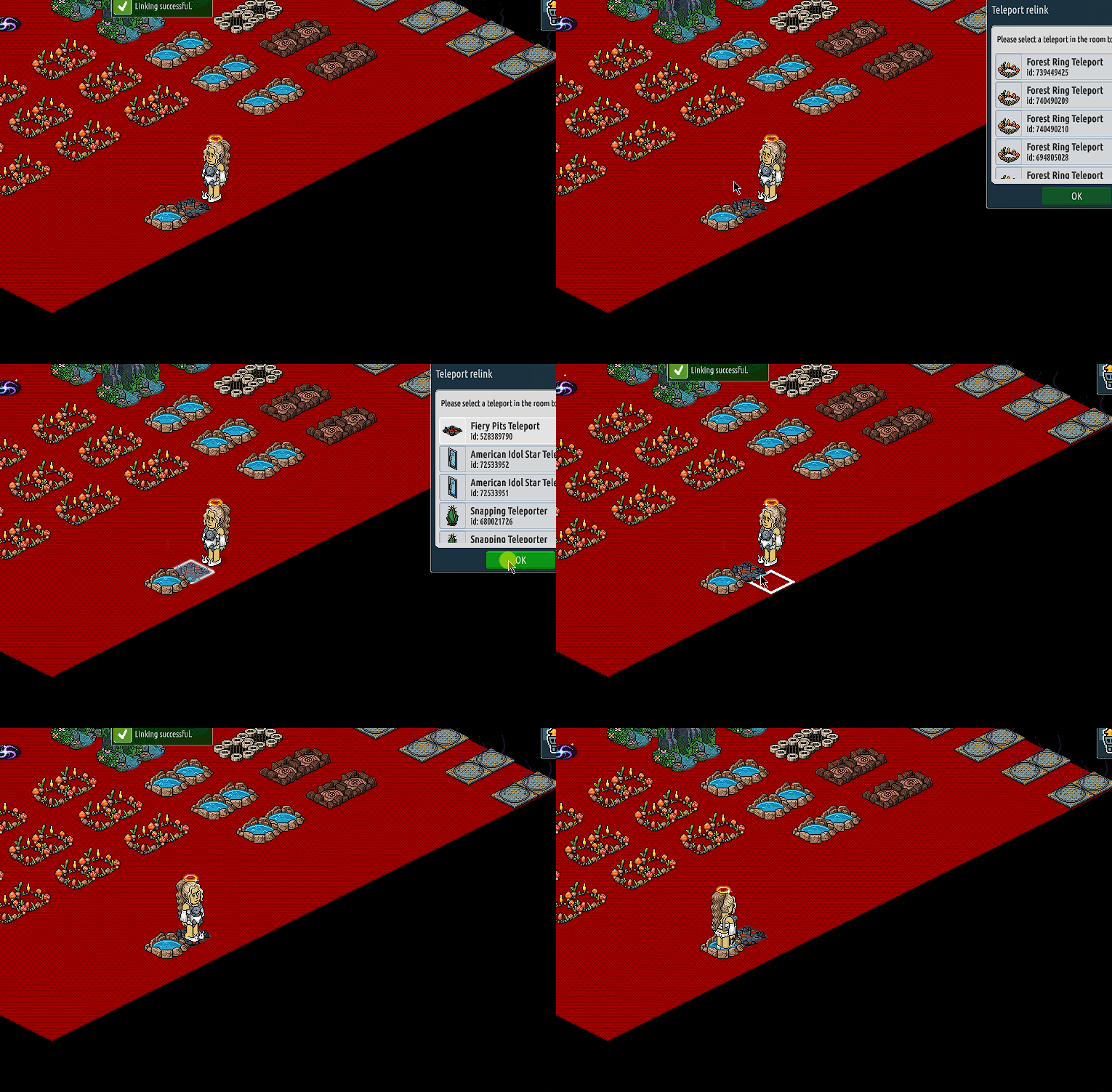
Select the teleporter you want to link it to from the list or click the teleporter in the room then click Ok to relink.
Step 1
Note: Make sure to load up the Modern or Web client, not the Classic client.
Head to your room and place down your teleporters. For this example, I have a Hot Spring and Fiery Pits, both which don't have a pair.
Step 2
Click the icon below to enter Build Mode.
Step 3
Click the teleporter you want to relink and click Relink.
Step 4
Select the teleporter you want to link it to from the list or click the teleporter in the room then click Ok to relink.
 Rainbow 2 years ago
 Keegan 2 years ago
 Nexus 2 years ago
 Brittt 2 years ago
 Rotating 2 years ago